

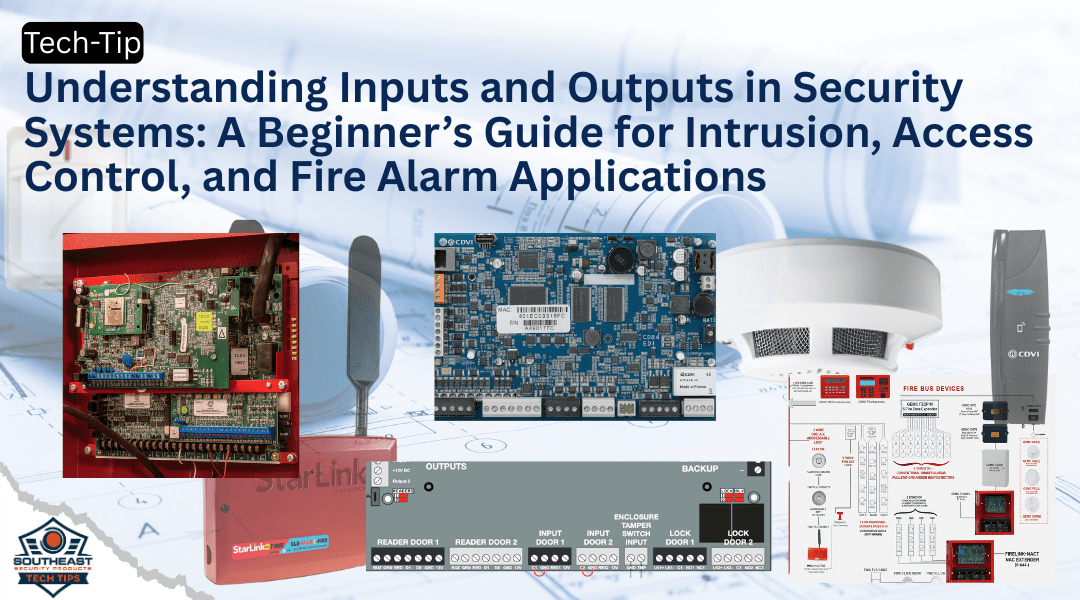
Understanding inputs and outputs is essential for anyone entering the security industry. Whether you’re working on an intrusion alarm panel, installing access control, or wiring a fire alarm system, inputs and outputs (I/O) are how devices communicate with the control panel—and how that panel communicates back with the environment. These I/O concepts form the foundation of every smart, responsive system in the field.
In this guide, we’ll break down inputs and outputs in simple terms, explain how they apply to intrusion, access control, and fire systems, and show you how mastering this basic skill can make your installs cleaner, faster, and smarter.
What Are Inputs and Outputs?
At the most basic level:
-
Inputs are how the system receives signals from the outside world.
-
Outputs are how the system acts or responds to those signals.
You can think of the control panel as a brain. Inputs are the senses—what it hears, sees, or feels. Outputs are the commands it gives in response.
Inputs Across Security Systems
Inputs can be sensors, buttons, or devices that trigger a signal to the panel. Let’s look at examples across different types of systems:
Intrusion Systems
-
Door Contacts: Detect whether a door or window is open or closed.
-
Motion Detectors (PIR): Detect movement and send a signal.
-
Glass Break Detectors: Listen for frequencies of breaking glass.
Access Control Systems
-
Card Readers: Send user credentials to the panel for access decisions.
-
Door Position Switches: Report door status (open or closed).
-
Request-to-Exit (REX) Devices: Let people exit without a credential.
Fire Alarm Systems
-
Smoke Detectors: Sense smoke and trigger alarms.
-
Manual Pull Stations: Allow manual initiation of alarms.
-
Heat Sensors: Monitor for rising temperatures above thresholds.
Outputs Across Security Systems
Outputs are what the system does in response to an input. These can trigger visual alerts, audible warnings, or mechanical actions.
Intrusion Systems
-
Sirens and Strobes: Activate when an intrusion is detected.
-
Communicators: Notify monitoring stations or apps.
-
Relay Outputs: Control lighting or other devices.
Access Control Systems
-
Electric Door Strikes / Maglocks: Unlock when access is granted.
-
Alarms: Sound when a door is forced or held open.
-
Software Notifications: Log access events in real-time.
Fire Alarm Systems
-
Horn/Strobes: Warn building occupants of danger.
-
Elevator Recall: Return elevators to ground floor and disable use.
-
Door Release Modules: Unlock secure doors during emergencies.
A Simple Analogy for Understanding Inputs and Outputs
Picture a thermostat:
-
Input: The sensor detects the temperature.
-
Processing: It compares the reading to your desired setting.
-
Output: It turns the heating or cooling on or off.
In a security context:
-
Input: A motion detector sees someone.
-
Processing: The system determines if it’s armed.
-
Output: If armed, it triggers an alarm and sends an alert.
Real-World Example: A Fire Alarm System
-
Input: A pull station is activated.
-
Processing: The fire panel verifies it’s a valid signal.
-
Output: The system sounds alarms, sends alerts, and opens maglocks.
This same pattern holds true across all security systems.
Why It Matters for Security Dealers
Understanding inputs and outputs is crucial for:
-
Troubleshooting: Is the panel not receiving the input or not sending the output?
-
System Design: Know how many inputs and outputs are needed for a project.
-
Programming: Set conditions like “If this happens (input), then do that (output).”
-
Integrations: Link systems together using I/O—like unlocking doors when a fire alarm activates.
Cross-System Integration Use Cases
Here’s where things get powerful:
1. Intrusion + Access Control: If a door is forced (input), the alarm sounds and locks down the system (output).
2. Fire + Access Control: If smoke is detected (input), all locked doors automatically release (output).
3. Access + Video Surveillance: If an unauthorized badge is used (input), a camera begins recording (output).
These kinds of integrations are made possible through intelligent input/output programming.
Technical Tips
-
Label Every Input and Output: It speeds up service and prevents wiring mistakes. See DYMO labeling printers for security dealers
-
Use Supervised Inputs Where Required: Especially in fire and intrusion systems for tamper detection.
-
Program Logical Outputs (PGMs): Use logic statements to automate behavior.
-
Relay Boards Expand Capability: Add output boards for large access control projects.
External Resource: NFPA Fire Alarm Input/Output Matrix Overview
The NFPA provides an excellent overview of how inputs and outputs work in fire systems, including required sequences and programming logic.
Internal Resource: Access Control Basics Guide
Need a primer on how access control panels handle door inputs and reader outputs? Start with our detailed guide.
Closing Thoughts: The Foundation of Every System
Every intrusion panel, fire alarm, or access control system is built on understanding inputs and outputs. If you know what devices are talking to your panel—and what your panel is saying back—you’re ahead of the curve. Mastering I/O will make your systems more reliable, your installs more efficient, and your troubleshooting faster.
Partner with SESP for Understanding Inputs and Outputs in Low-Voltage Security Systems
Southeast Security Products represents top-tier manufacturers across the Southeast U.S., offering hands-on support, product expertise, and dealer-focused programs to help you grow your business. Whether you’re wiring a single zone or building out an integrated building system, we can help you select the right products and provide the training needed to master understanding inputs and outputs.
Visit sesproducts.com or reach out to learn more about how we can support your next project.
Related Content and Links